

Best AI Tools for Small Business Marketing on a Budget 2026
Small businesses face a familiar dilemma: marketing is essential, but marketing budgets are tiny. Hiring an agency costs thousands per month. Doing everything manually eats up hours you do not have.
AI tools have changed this equation dramatically. In 2026, a one-person business can produce the marketing output that used to require a five-person team — videos, graphics, blog posts, social media content, email campaigns — for the price of a few coffees a month.
But with hundreds of AI tools flooding the market, which ones are actually worth your money? This guide cuts through the noise with honest, practical picks: what each tool does, what it really costs, who it is best for, and where it falls short.

Small business owner’s desk with laptop showing AI marketing tools dashboard and planning notebook
How We Picked These Tools
Every tool on this list meets four criteria:
- Actually affordable — free tier or under $30/month for the plan a small business needs.
- Proven in 2026 — actively maintained, real user base, not a hype launch that disappeared.
- Solves a real marketing job — content creation, design, video, email, or social scheduling.
- Usable by non-experts — no coding, no steep learning curve.
Prices below are current as of late 2026 and refer to the entry-level paid plans most small businesses would use. Free tiers are noted where available.
1. ChatGPT — Your All-Purpose Marketing Assistant
What it does: Writes blog posts, ad copy, product descriptions, email campaigns, social media captions, and business plans. Also brainstorms ideas, rewrites content in different tones, and answers marketing questions.
Pricing: Free tier available. Plus plan at $20/month unlocks the most capable models, file uploads, and higher usage limits.
Best for: Every small business. If you only pay for one AI tool, this is it.
Pros:
- Versatile — handles writing, ideation, and basic strategy in one place
- Strong at adapting tone (professional, friendly, playful) to match your brand
- Custom instructions and project folders keep your brand voice consistent
Cons:
- Output needs human review — it can sound generic without good prompts
- Not a design or video tool; you will pair it with others on this list
- Knowledge has limits on very recent events unless browsing is enabled
Budget tip: The free tier is genuinely useful for light use. Upgrade to Plus when you are creating content weekly — $20/month replaces hours of copywriting work.
2. Canva (with Magic Studio) — Design Without a Designer
What it does: Creates social media graphics, logos, flyers, presentations, and marketing materials with drag-and-drop simplicity. Its Magic Studio AI features generate images, remove backgrounds, expand photos, and write copy inside your designs.
Pricing: Generous free plan. Pro at $15/month (or $120/year) unlocks the full AI toolkit, background remover, and brand kit.
Best for: Businesses that post on social media regularly and need professional-looking graphics fast.
Pros:
- Easiest design tool to learn — genuinely usable in under an hour
- Thousands of templates sized for every platform
- AI background remover and image generator save real time
Cons:
- Designs can look “template-y” if you never customize
- AI image generation is decent but not top-tier compared to dedicated tools
- Brand kit (your fonts, colors, logos in one click) requires Pro
Budget tip: Start free. The Pro plan pays for itself the first time you skip hiring a designer for a $50 social media graphic pack.
3. CapCut — Free Video Editing That Rivals Paid Software
What it does: Full video editor (desktop and mobile) with AI features: auto-captions, background removal, text-to-speech voiceovers, and trending templates for Reels, TikTok, and Shorts.
Pricing: Free. The Pro tier (~$8/month) adds premium effects and cloud storage, but the free version covers what most small businesses need.
Best for: Any business doing short-form video — which in 2026 should be nearly every business.
Pros:
- Completely free core editor with no watermark
- Auto-captions in dozens of languages with one click (essential — most video is watched on mute)
- Huge template library for trending formats
Cons:
- Desktop version less powerful than Premiere or DaVinci for complex projects
- Some advanced AI effects are Pro-only
- Template overuse can make content look generic
Budget tip: This is the rare tool where the free tier is the recommendation. Spend your budget elsewhere.
4. Mailchimp — Email Marketing That Still Works
What it does: Email campaigns, newsletters, basic automations (welcome emails, abandoned cart reminders), landing pages, and audience segmentation. Its AI assistant helps write subject lines and email copy.
Pricing: Free up to 500 contacts. Essentials plan starts around $13/month for 500 contacts with more sends and templates.
Best for: Businesses building a customer list — retailers, restaurants, service providers with repeat customers.
Pros:
- Email still has the highest ROI of any marketing channel ($36+ per $1 spent, per industry benchmarks)
- You own your list — unlike social followers, no algorithm can take it away
- Pre-built automations work out of the box
Cons:
- Pricing scales with list size, so costs grow as you succeed
- Template customization has limits compared to dedicated builders
- The free plan includes Mailchimp branding on emails
Budget tip: Start free and upgrade only when your list passes 500 engaged contacts. An engaged list of 500 beats a dead list of 5,000.
5. Buffer — Social Media Scheduling on Autopilot
What it does: Schedules posts across Instagram, Facebook, TikTok, LinkedIn, X, and more from one dashboard. AI assistant suggests post ideas and optimal posting times.
Pricing: Free for up to 3 channels and 10 scheduled posts per channel. Essentials at $6/month per channel removes limits.
Best for: Businesses posting 3+ times per week who are tired of logging into five apps daily.
Pros:
- Clean, simple interface — set up in minutes
- Affordable per-channel pricing scales with your needs
- Analytics show which posts actually perform
Cons:
- No social listening or advanced engagement tools at this price
- AI content suggestions are basic — pair with ChatGPT for real copywriting
- Some platforms (like TikTok) have posting limitations via third-party tools
Budget tip: The free plan covers a business active on 3 platforms. That is most small businesses.
6. Leonardo AI / Ideogram — Product Images and Ad Creative
What it does: Generates custom images from text descriptions — product shots, ad backgrounds, social media visuals, blog headers. Ideogram is particularly strong at rendering readable text inside images (a common AI weakness).
Pricing: Both offer free tiers with daily generation credits. Paid plans start around $10-12/month for higher limits and faster generation.
Best for: E-commerce stores, restaurants, and any business that needs fresh visuals constantly.
Pros:
- Creates product lifestyle shots without a photoshoot
- Ideogram handles text-in-image better than most competitors (great for sale graphics)
- Commercial usage rights on paid plans
Cons:
- Results vary — expect to generate several versions to get one great image
- Not a replacement for real photography of your actual products (customers notice)
- Learning to write good image prompts takes practice
Budget tip: Use AI images for backgrounds, concepts, and ad creative. Use real photos for the products themselves. The combination looks professional and stays honest.
7. ElevenLabs — Voiceovers That Sound Human
What it does: Converts text to natural-sounding voiceover in dozens of languages and accents. Clone a consistent brand voice or pick from a library of professional voices.
Pricing: Free tier with limited characters per month. Starter plan around $5/month for meaningful usage.
Best for: Video ads, explainer videos, podcast intros, and phone system greetings.
Pros:
- Remarkably natural output — far beyond old robotic text-to-speech
- Voice cloning keeps your brand consistent across all videos
- Multilingual support for businesses serving diverse communities
Cons:
- Free tier runs out fast if you produce weekly videos
- Very long scripts need the higher tiers
- Always disclose AI voiceover where platform rules require it
Budget tip: At $5/month, this replaces $50-200 per project for freelance voiceover artists.
8. Your Website Foundation: Fast, Affordable Hosting
What it does: Every tool above drives traffic somewhere — and that somewhere should be a fast website you own. Social platforms change algorithms; your website is the one marketing asset nobody can take away.
Pricing: Quality shared hosting starts around $2-4/month for the first term.
Best for: Every business that does not yet have a fast, mobile-friendly website.
Pros:
- Full control over your content, branding, and customer data
- A fast site improves Google rankings and conversion rates
- One-time setup, then it works for you 24/7
Cons:
- Requires initial setup effort (or a one-time hire)
- You are responsible for keeping content updated
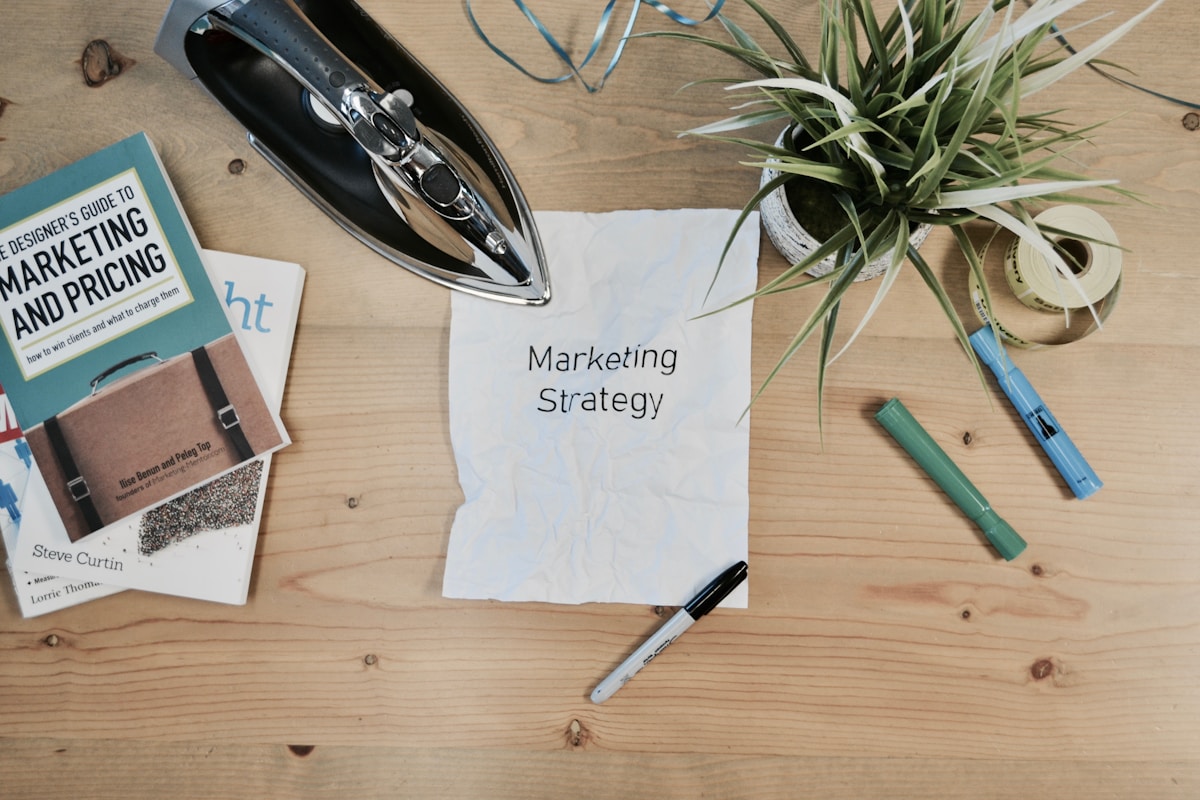
Smartphone displaying AI marketing app icons above a small business shop counter
Putting It Together: A $50/Month Marketing Stack
Here is a realistic starter stack for a small business:
| Job | Tool | Cost |
|---|---|---|
| Copywriting & ideas | ChatGPT Plus | $20/mo |
| Graphics & design | Canva Pro | $15/mo |
| Video editing | CapCut | Free |
| Email marketing | Mailchimp | Free (under 500 contacts) |
| Social scheduling | Buffer | Free (3 channels) |
| Voiceovers | ElevenLabs | $5/mo |
| Website hosting | Hostinger | ~$3/mo |
| Total | ~$43/mo |
For less than $50 a month, you have professional copywriting, design, video, email, and social scheduling — capabilities that cost thousands monthly through an agency just a few years ago.
Common Mistakes to Avoid
Buying every tool at once. Start with the two or three that solve your biggest bottleneck. Add more only when you have a specific job for them.
Publishing AI content without review. AI drafts are starting points, not finished products. Always check facts, adjust the tone to your brand, and make sure offers and prices are correct.
Ignoring the fundamentals. AI tools amplify your marketing — they do not replace having a clear offer, knowing your customer, and showing up consistently. A brilliant AI video for a confusing offer still fails.
Skipping captions and alt text. Accessibility is not optional. Captions on videos and descriptive alt text on images help both disabled users and search engines understand your content.
Frequently Asked Questions
Are free AI tools good enough for a real business?
For starting out, yes. CapCut, Canva’s free tier, ChatGPT’s free tier, and Buffer’s free plan cover the essentials. Upgrade when a specific limit starts costing you time or opportunities — not before.
Will Google penalize AI-written content?
Google’s position is consistent: it penalizes low-quality, unhelpful content regardless of how it was made. AI-assisted content that is original, accurate, and genuinely useful ranks fine. AI-generated filler that adds nothing gets ignored or penalized. The tool is not the issue — the quality is.
How much time does AI actually save?
Realistic expectation: 50-70% time savings on content production once you have workflows dialed in. Writing a blog post drops from 4 hours to 90 minutes. A social graphic goes from 45 minutes to 10. The savings compound across every piece of content you make.
Should I tell customers I use AI tools?
Be transparent where it matters — video platforms require AI content labels, and customers appreciate honesty. But you do not need to announce it on every post. Focus messaging on results and value, which is what customers actually buy.
What is the single highest-ROI AI investment for a small business?
Short-form video, consistently posted. A smartphone, CapCut (free), and 2-3 hours a week producing Reels or TikToks about your products, behind-the-scenes, and customer stories will outperform almost any other marketing activity for local and small businesses in 2026.
Do I still need a marketer or agency if I have these tools?
Tools handle production; strategy still needs a human brain. Many small businesses do well running tools themselves for 6-12 months, then hire help (freelancer or agency) to scale what is already working. If you would rather skip straight to results, that is exactly what agencies are for.
Want Marketing That Runs While You Run Your Business?
These tools are powerful — but they still need someone to run them with skill and consistency. If you would rather focus on your business while experts handle your marketing, we can help.
NAN Marketing Agency creates scroll-stopping AI video ads, CGI ads, professional websites, and full marketing campaigns for small businesses that want more customers — not just more content.
WhatsApp: +92 317 7415702
Email: nidahina99@gmail.com
Website: nidaayesha.com