 aireelsegency@gmail.com
How to Make AI Product Videos for Your Online Store in 2026
Short answer: Start with clean product photos, use an AI video tool to add motion (orbits, zooms, lifestyle scenes), add a hook-first script with AI voiceover and captions, and export in 9:16 for social and 1:1 for product pages. A converting product video takes 30–60 minutes and costs $0–$15 in tool costs. Below is the exact workflow.
Product pages with video convert better than pages without — shoppers who watch a product video understand the product faster and trust it more. The problem was always production: filming every SKU was impossible for small stores. AI changed that. This guide shows the workflow that turns your existing product photos into videos that actually sell.
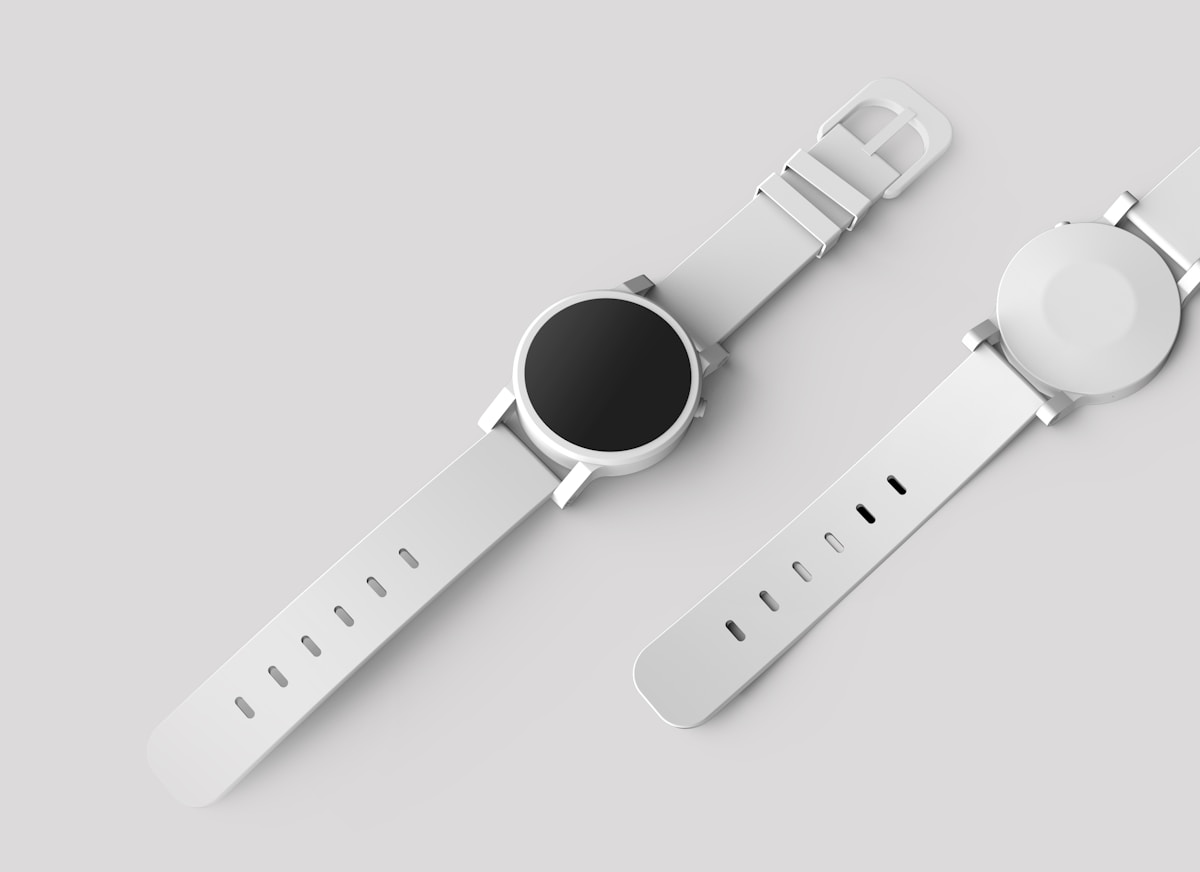
Everything starts with clean product photos — AI motion is only as good as the input.
What Makes a Product Video Convert
- A 3-second hook. The problem or the most visual benefit — immediately. No logos, no slow fades.
- The product in motion. Rotation, zoom, lifestyle context — motion holds attention that static images lose.
- One clear benefit with proof. Not five features — one reason to buy, shown or stated plainly.
- Social proof. A review quote, star rating, or “2,000+ happy customers” overlay.
- A direct CTA. “Shop now,” “Tap to buy” — every converting video ends by telling the viewer what to do.
The 60-Minute Workflow
Step 1: Prepare your product photos (10 min)
Pick 3–5 of your best product shots: clean background, good light, label readable. Phone photos are fine. AI image-to-video works far better from real photos than from text descriptions.
Step 2: Write a 40-word script (10 min)
Structure: hook (first 3 seconds) → one benefit → proof → CTA. Example: “Tired of tangled earbuds? Our magnetic wireless earbuds snap together and never tangle — 4.8 stars from 2,000+ reviews. Tap Shop Now for 20% off.”
Step 3: Generate the motion (15 min)
In your AI video tool, use image-to-video (not text-to-video) on each product photo. Good motion prompts: “slow orbit around the product,” “gentle zoom in on the label,” “product on a marble surface, soft studio light, slow push-in.” Generate 2–3 options per shot and keep the best. Check every output for accuracy.
Step 4: Assemble, voice, and caption (15 min)
Stitch the clips in an all-in-one editor: hook clip first, then benefit shots. Add the AI voiceover reading your script, burn in captions (most shoppers watch muted), and add subtle background music.
Step 5: Export for every placement (10 min)
Export three versions: 9:16 for Reels/TikTok/Shorts, 1:1 for your product page and feed ads, 16:9 for YouTube.
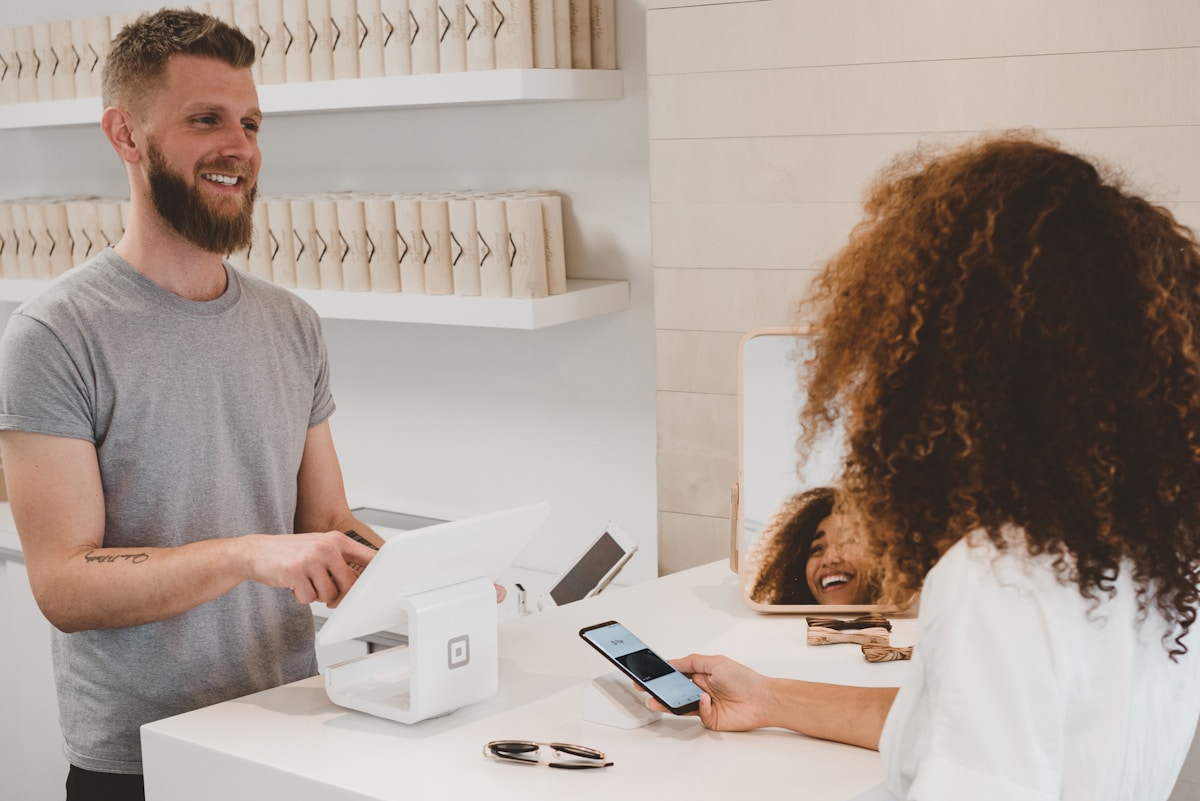
Video on product pages shortens the path from browsing to buying.
Where to Use Each Video
| Placement | Format | Video style |
|---|---|---|
| Product page | 1:1 or 16:9 | Full demo: features, scale, how it works |
| Instagram / TikTok | 9:16 | Hook-first 15-sec cut, trend-aware |
| Meta / Google ads | 1:1 or 9:16 | Benefit + proof + CTA, 3 hook variants |
| GIF or thumbnail link | Teaser clip driving to product page |
5 Mistakes That Kill Product Videos
- Starting with the logo. You have 3 seconds — spend them on the hook, not branding.
- Listing features instead of one benefit. “Stainless steel, 500ml, dishwasher safe” doesn’t sell; “coffee stays hot for 8 hours” does.
- Skipping captions. Up to 80%+ of social video is watched muted — no captions means no message.
- One video for all placements. A 16:9 video cropped into a 9:16 feed looks broken. Export native.
- Never testing hooks. Make 3 versions with different first-3-seconds. The winner usually surprises you.
For tool options and pricing behind this workflow, see our AI video ad generator guide — and if you’re budgeting the creative, our UGC video ad cost guide covers per-ad pricing.
Scaling: From 5 Videos to 50
- Build a template. Save your winning structure as a reusable project template. New products then take 15 minutes, not 60.
- Batch by step, not by product. Write all 10 scripts Monday, generate all motion Tuesday, assemble Wednesday.
- Create a hook library. Save every hook that performed and rotate them across products.
- Prioritize by margin, not by love. Video your highest-margin products first.
- Repurpose winners. A winning 9:16 ad can become a product-page embed, an email GIF, and a YouTube Short.
Measuring What Works
Track per video: hook retention (what % watch past 3 seconds), click-through rate on ads, and product-page conversion with vs without video. Run every new product video as a 2-week test against the static page. After 10 videos, patterns emerge.
Frequently Asked Questions
Can AI product videos really increase sales?
Video on product pages consistently lifts conversion versus static images alone — shoppers understand the product faster. Clear, benefit-led, and honest beats polished-but-vague.
Do I need professional product photos first?
Clean, well-lit photos help enormously. But “professional” isn’t required; a phone photo on a clean background in daylight works.
How long should a product video be?
15–30 seconds for social and ads; 30–60 seconds for product pages where shoppers want detail.
Will AI distort my product?
It can — especially text on labels and fine details. Always use image-to-video (not text-to-video) for product accuracy, and inspect every frame before publishing.
How many product videos should my store have?
Start with your top 5–10 bestsellers. One converting video per hero product beats thin videos across 200 SKUs.
The Bottom Line
AI product videos take under an hour and under $15 per video — there’s no longer a production excuse for a video-less store. Start with your bestsellers, hook in 3 seconds, caption everything, and test relentlessly.
Want product videos done for you?
NAN Marketing Agency creates converting AI product videos for online stores — from your photos to platform-ready ads, from $150 per video.